ISP proxies (static residential)
Fixed static ISP proxies: a residential-grade IP that stays the same for the whole term. For social accounts, stores and AI tools. HTTP and SOCKS5.
View options and pricing ×
×
Paste one line for a static IP, or use the Proxy302 entry built into AdsPower for rotating residential. A profile takes a few minutes.
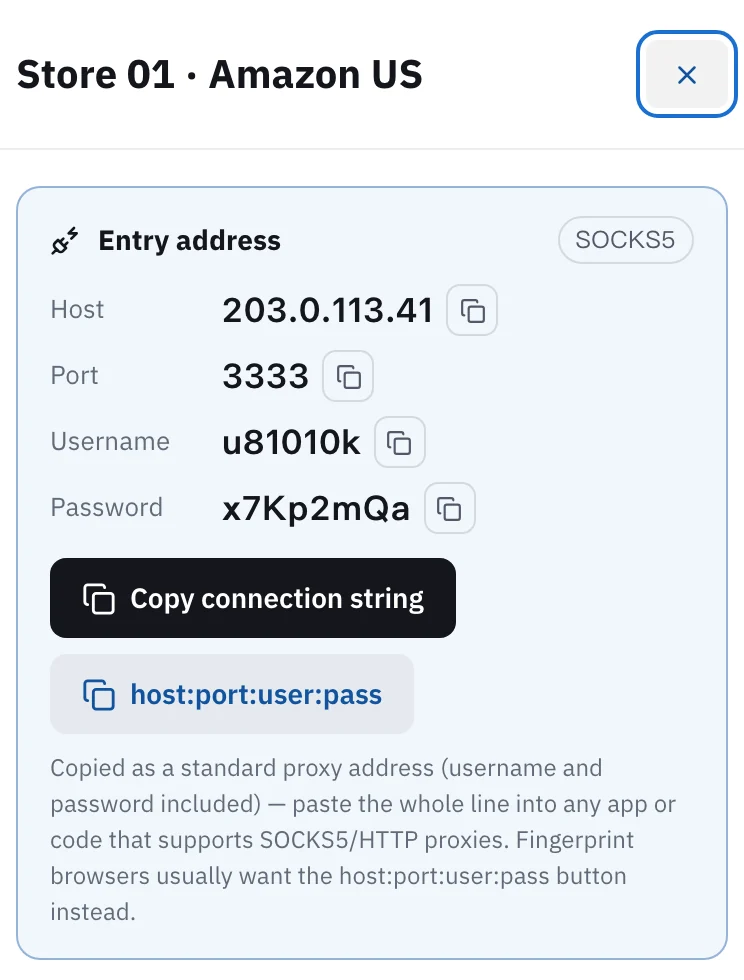
Static IP: in Proxy302 My assets, open the IP and click host:port:user:pass to copy one line. In AdsPower go to New Profile > Proxy > Custom, set Proxy type, paste the line into Host:Port, click Check Proxy and then OK. Rotating residential: in AdsPower open Proxies > Configuration > Proxy302 and enter your Proxy302 username and password. The host and port are already filled in.
Updated:
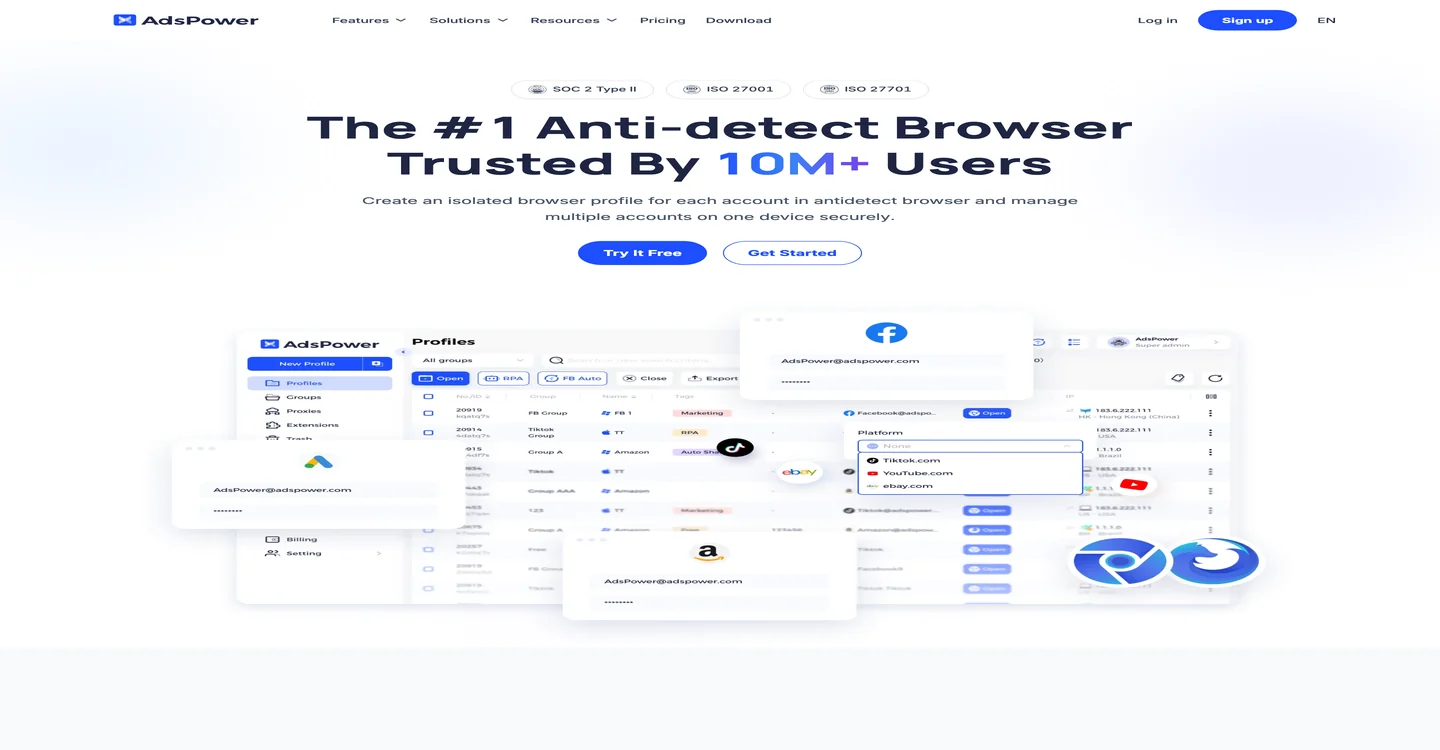
Every AdsPower profile has its own proxy setting. You can put a Proxy302 IP there in one of two ways.
Static IPs go in as a Custom proxy. Pick the proxy type and paste one line. Give each profile its own static IP, and the accounts in it keep signing in from the same place.
Rotating residential has its own entry in AdsPower. Under Proxies > Configuration, Proxy302 is in the provider list with the host and port already filled in. You add the username and password.
Open My assets in the console and click the IP you want for this profile. The badge in the card's top corner shows its protocol, SOCKS5 or HTTP. Note it. Click host:port:user:pass to copy one line in the format AdsPower reads.
In AdsPower click New Profile and open the Proxy tab. Choose Custom. Set Proxy type to the same protocol as in Proxy302, Socks5 or HTTP. Paste the line into the Host:Port box. AdsPower splits it into host, port, username and password.
Click Check Proxy next to Host:Port. When you see Connection test passed and the country matches what you bought in Proxy302, click OK. If the country looks wrong, switch the IP checker and check again.
Buy rotating residential traffic and generate a proxy. Choose HTTP and pick the country here, because AdsPower cannot change the location later. Then open it in My assets and copy the username and password.
In AdsPower click Proxies in the sidebar, open the Configuration tab and select Proxy302. Host:Port already reads proxy.proxy302.com:2222. Enter the Proxy username and Proxy Password, then click Check Proxy.
In New Profile, open the Proxy tab and set Proxy type to Proxy302auto (Proxy302 rotating proxy). Tick the checkbox under it (Using Proxy302auto … from "Proxy" section) to use the username you just saved. Leave it unticked to give this profile its own username and password. Newer AdsPower builds may list built-in providers on a separate tab beside Custom.
Stores, social accounts and ad accounts that stay signed in: buy static ISP IPs, one per profile. The IP does not change during the lease, and a lease of 30 days or more is a dedicated IP.
Scraping, price checks and viewing other regions: use rotating residential. It is billed by traffic and you choose the exit country. In AdsPower the built-in Proxy302 entry is the quickest way to use it.
Enter the code proxy302 when you order AdsPower to get plans at up to 45% off. The sign-up link below carries the code proxy302. The terms are AdsPower's and may change.
A new Proxy302 account opened through a partner link gets an extra 20% on its first top-up, up to US$50, if the top-up comes within 120 days of sign-up. The bonus reaches your wallet as its own entry once the top-up arrives.
Match the protocol shown for that IP in Proxy302 My assets. Each static IP works only with the protocol chosen at purchase, and the other one will not connect. AdsPower's Proxy302 entry uses HTTP on port 2222, so generate rotating residential proxies with HTTP.
Copy the line again with no extra spaces. Make sure Proxy type matches the protocol in My assets and the port is the one shown there. Then check that the IP has not expired, or for rotating residential that you still have traffic.
No. AdsPower's help center says its Proxy302 entry cannot set a state or city. For rotating residential you pick the location when you generate the proxy in Proxy302. A static IP's location is fixed when you buy it.
AdsPower notes under the Proxy302 entry that this provider must be used outside mainland China. In mainland China, open the Proxy302 Helper and click 「一键加速」 (One-click boost) first, then fill in the Custom proxy exactly as given. The Helper guide is under Related setups.
In the profile list, open the ⋮ menu on that profile's row and edit its proxy, then paste the new line. To change many profiles at once, see the bulk update guide in AdsPower's help center.
If AdsPower reports that the proxy check failed, the troubleshooting page goes through it step by step.
Fixed static ISP proxies: a residential-grade IP that stays the same for the whole term. For social accounts, stores and AI tools. HTTP and SOCKS5.
View options and pricingReal household IPs in 195+ countries with state and city targeting. Rotate on every request or keep sticky sessions. From US$1.50/GB, US$1.35/GB at 100 GB. HTTP and SOCKS5.
View options and pricingUse Proxy302 from mainland China: download the free Helper 2.2, click 「一键加速」 (One-click boost), and fill in your proxy details exactly as given.
Official documentation · Confirmed on:
Official documentation · Confirmed on:
Official documentation · Confirmed on:
Create an account, top up once, then pick rotating residential, static ISP or datacenter IPs and have one running in your browser within minutes.