Pinterest Proxy: Which IP and Country for Your Account
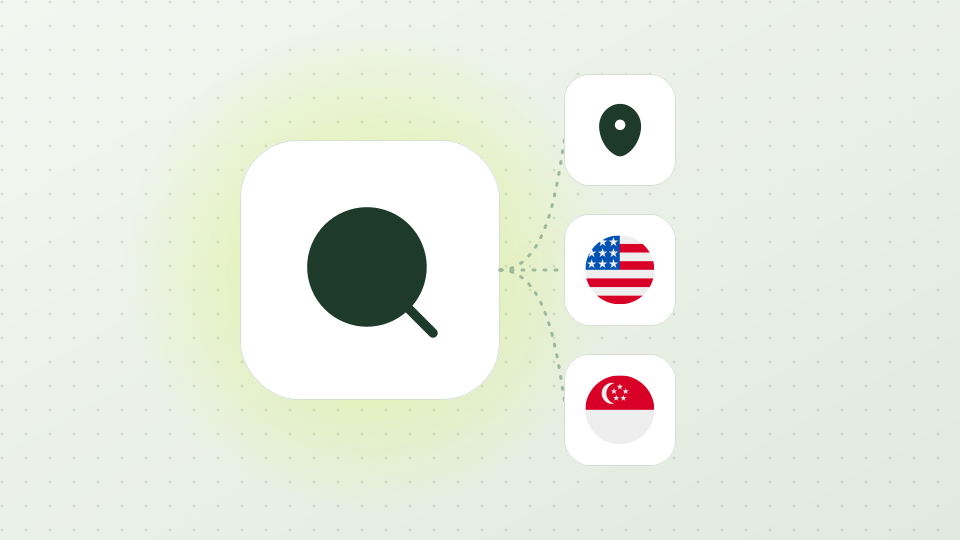
Keep three things pointing at the same country: the IP the account connects from, the Country/Region setting under Personal information, and the market the account sells to.
Pinterest says it uses your IP address to infer your approximate location, and that Ads Manager defaults to the business's country.
One account at home in its own market needs no proxy. For several business accounts, or a team in another country, give each account one static ISP IP, from US$0.50 a day, in the account's market. A proxy does not change Pinterest's rules on automation and multiple accounts.
Example addresses (203.0.113.0/24), not real exits
01 / 08Three places a country shows up
Where a country shows up on Pinterest, which IP fits each job, and what a proxy cannot change about Pinterest's rules.
01
Three places a country shows up
The account has a Country/Region setting. On the web it is under Settings > Account management > Personal information, and you save it there. This is a choice you make, separate from your connection.
Advertisers choose where their ads run. Pinterest lets you target by country, region, metro area or postal code, and the default location in Ads Manager is the business's country. Support differs by country and level.
Pinterest also infers where you are. Its help page on local ads says it uses your IP address to infer your approximate location, even if you do not share your precise location, and that it does not use GPS-based precise locations. So the IP is one input to location, and the other two are settings you control.
Pinterest's community guidelines say not to use automation that Pinterest has not explicitly approved, including unauthorized services that act on your behalf. They also say not to operate multiple accounts, or coordinate with other people, to manipulate the platform.
A separate IP per account is a way to keep each business account on one steady connection. It is not a way around those rules, and it does not make unapproved automation acceptable.
Decide the market each account sells to. Choose the Country/Region of the account to match it, under Personal information.
Step 2
Open the static ISP page, choose that country, the term and the quantity (one IP per account), and the protocol, HTTP or SOCKS5. Availability by country is shown on the order page.
Open My assets, copy HOST, PORT, USERNAME and PASSWORD, and enter them in a separate browser profile for that account. Set the profile language and time zone to the same market.
Step 4
Before you log in, open https://ipinfo.io/json through the proxy and check that the country is the one you chose.
Step 5
Keep the account on that IP for the whole lease. A 1-day lease costs US$0.50 and a 30-day lease US$7.99, about US$0.27 a day. Auto-renew is optional for each IP and on by default for a new purchase; you can switch it off on the purchase page or in My assets.
05
If Pinterest limits an account
Pinterest says it may have blocked activity from your IP address or your area
Check Pinterest's help page says to wait thirty minutes before trying to log in or save Pins again, and that most limits are removed automatically.
Fix Wait, then try again from the same IP.
Stop when Do not switch through several IPs in a row. If the same message appears on your normal connection too, the cause is not the proxy.
Pins and search show another country's content
Check Check the Country/Region setting and the exit country with https://ipinfo.io/json.
Fix Make the setting, the IP country and the browser language point to the same market.
Stop when If the exit country is wrong, open a Support ticket with the order number.
Login fails right after you add the proxy
Check Check HOST, PORT, USERNAME and PASSWORD for typos, and that the protocol matches the port: HTTP is 2222 and SOCKS5 is 3333.
Fix Retype the values in the profile and test the exit again.
Stop when Stop after two failed tries and contact Support instead of testing more addresses.
06
What an IP cannot change
A proxy changes the network address Pinterest sees. It does not change what an account posts, the rules in the community guidelines or what Pinterest decides about the account. Proxy302 makes no promise about account outcomes, and there is no free trial: the smallest purchase is one IP for one day.
Not for one account used from its own market on a steady connection. A proxy helps when several accounts need separate addresses, when a team works from another country, or when you want to look at Pinterest from another country.
Should the proxy country match the account country?
Yes, keep the IP country, the Country/Region setting and the target market the same. Pinterest says it infers your approximate location from your IP address.
How many Pinterest accounts can use one IP?
Give each account its own IP. Pinterest's guidelines also forbid operating multiple accounts to manipulate the platform, which a separate IP does not change.
Can I use a rotating proxy to post?
A rotating line changes IP on new connections, so it does not give a logged-in account one steady address. Use it for reading and for checking ads, and use a static IP for posting.
Does Pinterest ad targeting use my IP?
Pinterest says local ads use your IP address to infer your approximate location. Its location-targeting page lists country, region, metro and postal code and does not say how a person's location is determined.
Pinterest proxy for sellers and brands: one static ISP IP per business account in the market you sell to, SOCKS5 or HTTP — also where Pinterest is blocked.
Check promoted Pins and the pages they link to from each country Pinterest ads run in. Rotating residential IPs with country, state and major-city choice, HTTP and SOCKS5.
Check the exit IP, country and ISP your proxy really gives you in 30 seconds — and why IP databases disagree on the city. With our own test of three lookup services.
Further reading
Setup guides Proxy302 publishes on GitHub on the same topic:
Read on 20 November 2026, Spam section: do not use automation that has not been explicitly approved by Pinterest, including unauthorized services that act on your behalf; do not operate multiple accounts or coordinate with others to manipulate the platform.
Read on 20 November 2026: Pinterest may have blocked activity from your IP address or your area; wait thirty minutes before trying to log in or save Pins again; most limits are removed automatically.
Read on 20 November 2026: Pinterest uses your IP address to infer your approximate location, even if you do not share your precise location, and it does not use GPS-based precise locations.
Read on 20 November 2026: ads can target by country, region, metro area or postal code; the default location in Ads Manager is the business's country; support differs by country and level.
Read on 20 November 2026: on the web, Settings > Account management > Personal information > Country/Region dropdown, then save; the app has the same path from the profile.
Proxy302 product facts and price list
Product observation · Confirmed on:
Product facts file of the site, checked 10 November 2026 against the console, the backend and the price table: per-IP lease prices in US$ (1 PTC = US$1), lease terms, protocols and ports, countries, quantity limits, no free trial.
Ready to try it?
Create an account, top up once, then pick rotating residential, static ISP or datacenter IPs and have one running in your browser within minutes.