ISP proxies (static residential)
Fixed static ISP proxies: a residential-grade IP that stays the same for the whole term. For social accounts, stores and AI tools. HTTP and SOCKS5.
View options and pricing ×

One shop, one fixed IP: copy a line from Proxy302, paste it into Huayang's Quick Import and confirm.
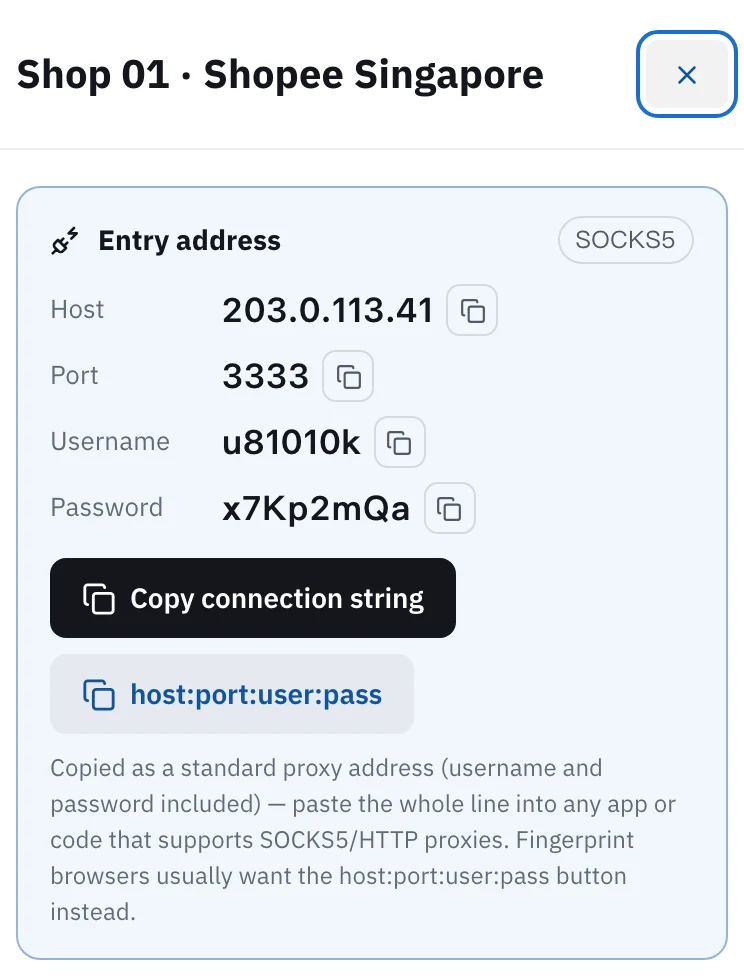
Static IP: in Proxy302 My assets, click host:port:user:pass to copy a line. In the Huayang client open the IP page (IP地址), click Import own IP (导入自有IP), choose Import IP address, set the IP type to Static IP (静态IP), paste the line into Quick Import on the right, click Quick fill (快速填写) and confirm. Rotating residential is imported the same way, with the IP type set to Dynamic IP (动态IP). In mainland China, set the connection method to one of Huayang's Hong Kong access points.
Updated:
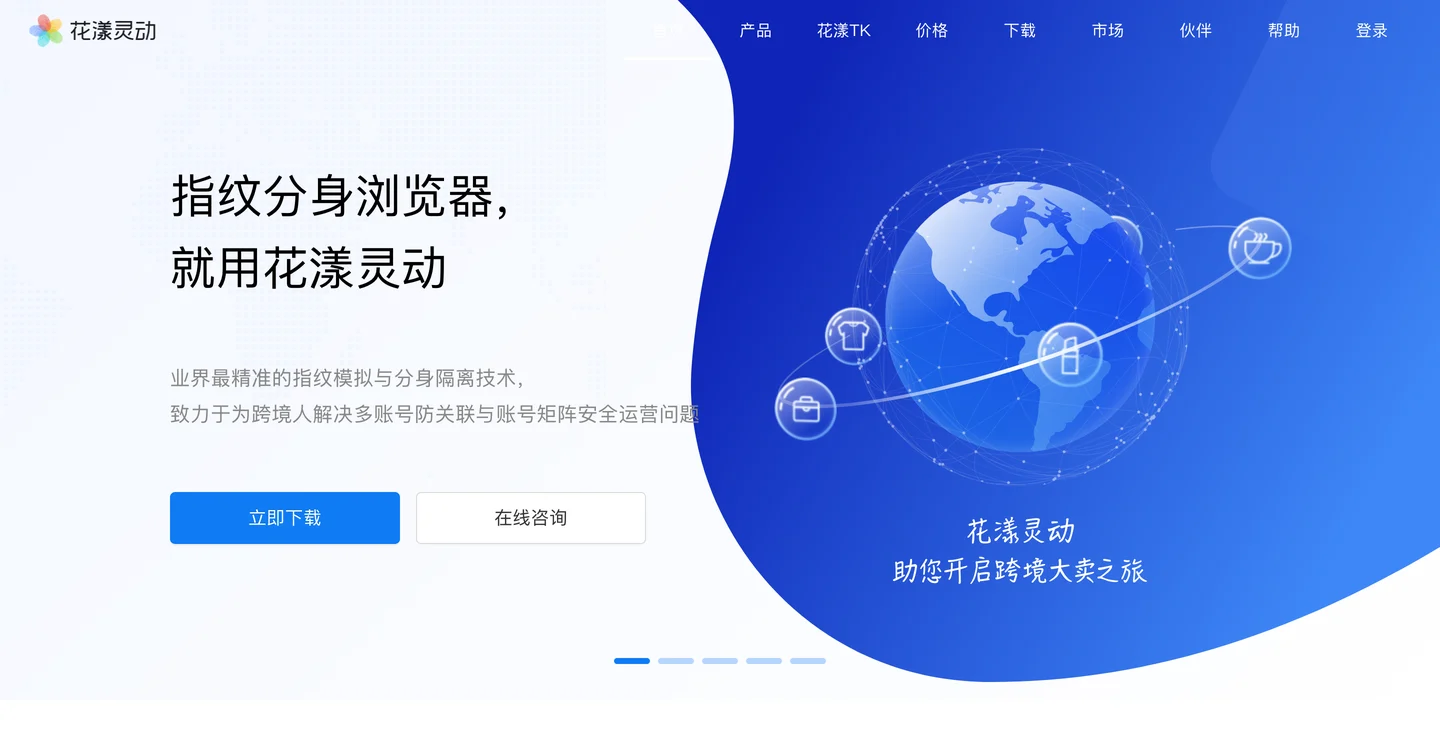
Every browser profile in Huayang (花漾灵动) has its own fingerprint and gets its own IP. Give each profile a Proxy302 static IP and a shop keeps signing in from the same place.
Proxy302 static IPs and rotating residential both go in through Import own IP, and Huayang does not charge for importing your own IP.
The Huayang screenshots below come from its help center and show the Chinese interface, so we give the Chinese label next to each English one. The Proxy302 screenshot uses demo data.
Open My assets in the console and click the IP for this shop. Note the protocol badge at the top right, SOCKS5 or HTTP, because Huayang needs the same one. Then click host:port:user:pass to copy the whole line.
In the Huayang client open the IP page (IP地址) on the left and click Import own IP (导入自有IP) at the top. In the Import IP box keep the first option, Import IP address (导入IP地址), and click OK (确定).
Set IP type to Static IP (静态IP). Paste the line from step 1 into the Quick Import box on the right and click the green Quick fill button (快速填写). Protocol, address, port, account and password fill in on the left. Check that the protocol matches the badge in Proxy302, then click OK. The IP appears in your IP list. Open the profile's settings and bind it there.
Huayang's help center says Proxy302 proxies can only be used from outside mainland China, so users inside it go through a Huayang access point. Click Select (选择) next to the connection method, tick the China Hong Kong access points, and choose Direct first (直连优先) or Quality first (质量优先) as the switching strategy. Access points use Huayang's own Petal (花瓣) credit per GB, and the dialog shows the rate. Outside mainland China you can skip this.
Shops, social and ad accounts you sign in to for months: buy a static ISP IP, one per profile, and use step 3. The IP stays the same for the whole rental, and a rental of 30 days or more is exclusive to you.
Scraping, price checks, viewing pages from other regions: use rotating residential, billed by traffic. Import it as in step 3, with the IP type set to Dynamic IP (动态IP). The gateway is proxy.proxy302.com, HTTP port 2222, SOCKS5 port 3333.
New users who sign up through a partner link or an invite link get an extra 20% on their first top-up within 120 days of signing up, up to US$50. The bonus lands in your wallet once the top-up arrives.
With one extra step. Huayang's help center says Proxy302 IPs can only be used from outside mainland China, so users there pick a Huayang Hong Kong access point as the connection method (step 4). You can also open the Proxy302 Helper and click 「一键加速」 (One-click boost) first, then fill in the proxy exactly as given. The helper tool guide is under Related setups.
Follow the IP. If My assets shows SOCKS5, the port is 3333. If it shows HTTP, the port is 2222. An IP has one protocol, and the wrong one will not connect.
One static IP per profile. Profiles that share an IP are easier for a platform to link together.
Check the protocol and port first, then copy the line from My assets again without extra spaces. If it still fails, check that the IP or traffic has not expired or run out.
Fixed static ISP proxies: a residential-grade IP that stays the same for the whole term. For social accounts, stores and AI tools. HTTP and SOCKS5.
View options and pricingReal household IPs in 195+ countries with state and city targeting. Rotate on every request or keep sticky sessions. From US$1.50/GB, US$1.35/GB at 100 GB. HTTP and SOCKS5.
View options and pricingUse Proxy302 from mainland China: download the free Helper 2.2, click 「一键加速」 (One-click boost), and fill in your proxy details exactly as given.
Official documentation · Confirmed on:
Official documentation · Confirmed on:
Create an account, top up once, then pick rotating residential, static ISP or datacenter IPs and have one running in your browser within minutes.