Android
Legacy guide: screenshots and helper-tool steps may differ from the current product.
This is an English translation of a legacy guide. For the original wording, read the Chinese original.
In an overseas environment
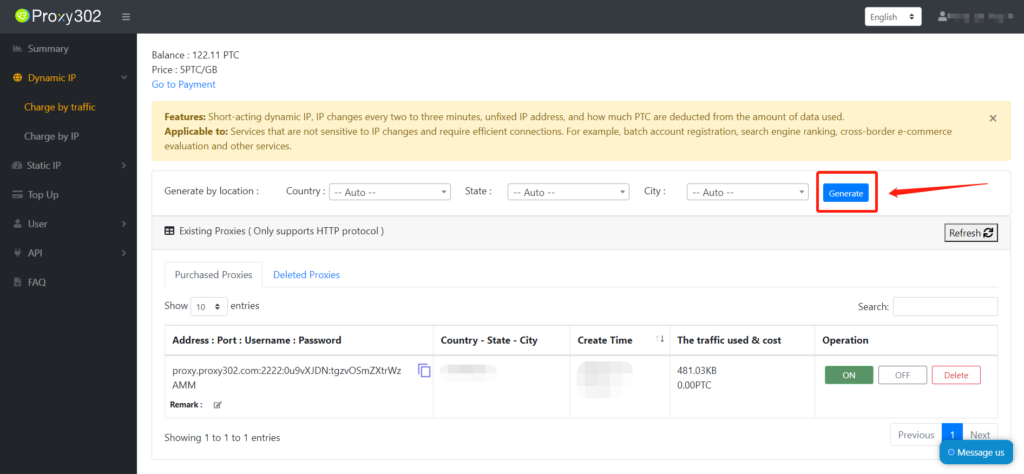
1. Log in to the Proxy302 client and generate a proxy.
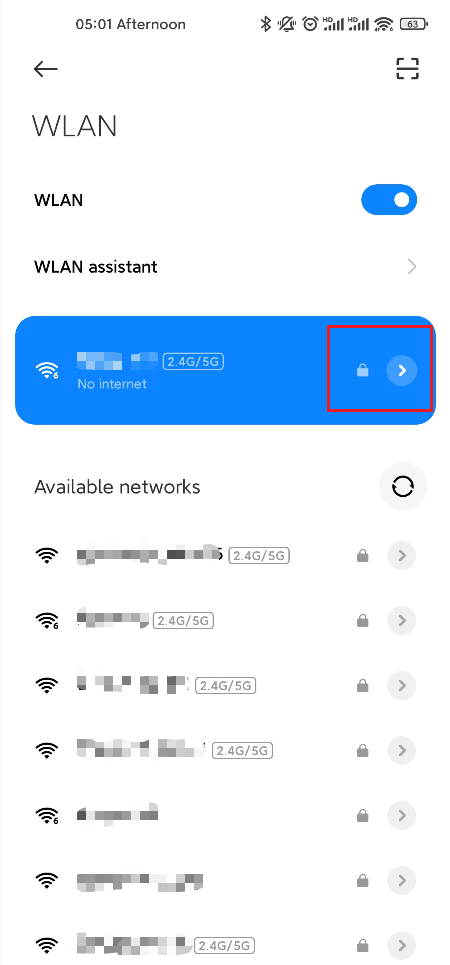
2. Click "Settings" to enter the Wi-Fi list, and long-press the Wi-Fi network you want to modify.
3. Select "Modify network" or "Connect to network" from the pop-up menu, check "Proxy settings" under "Advanced options" at the bottom, and select "Manual" from the list.
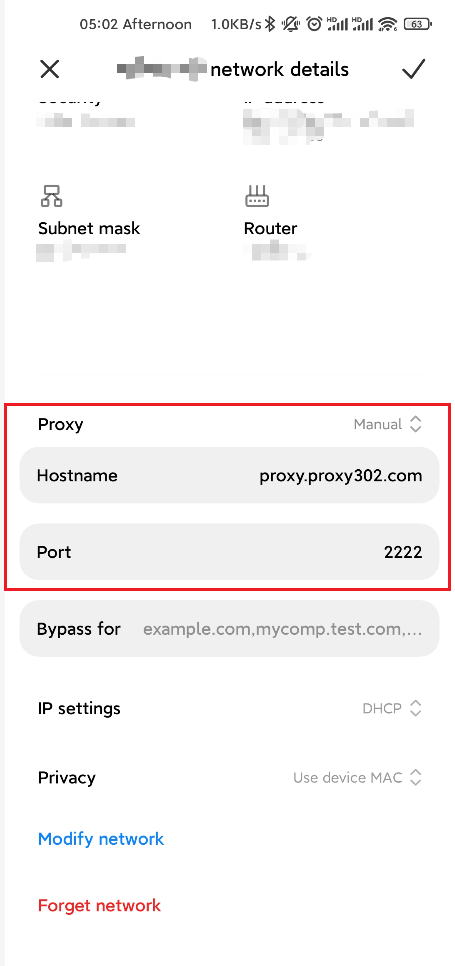
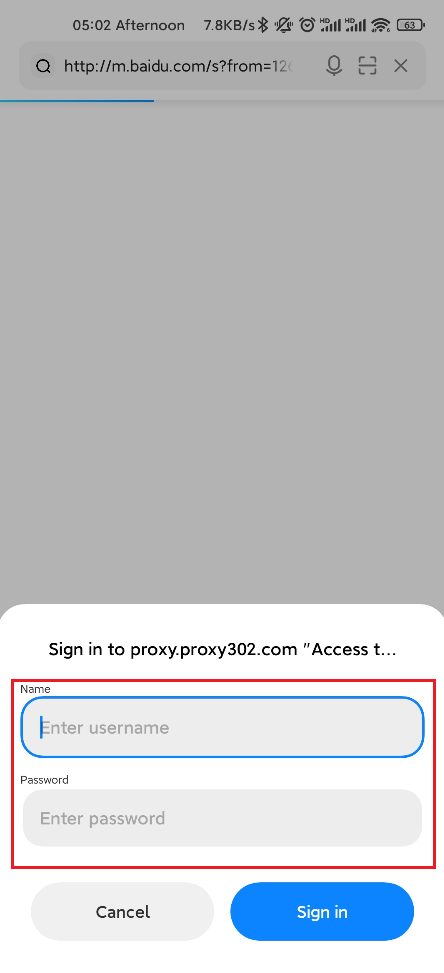
4. Copy the proxy IP address into the proxy hostname input box and enter the port number in the server port field. Open any browser, and when the pop-up appears, enter the corresponding proxy username and password to successfully connect.
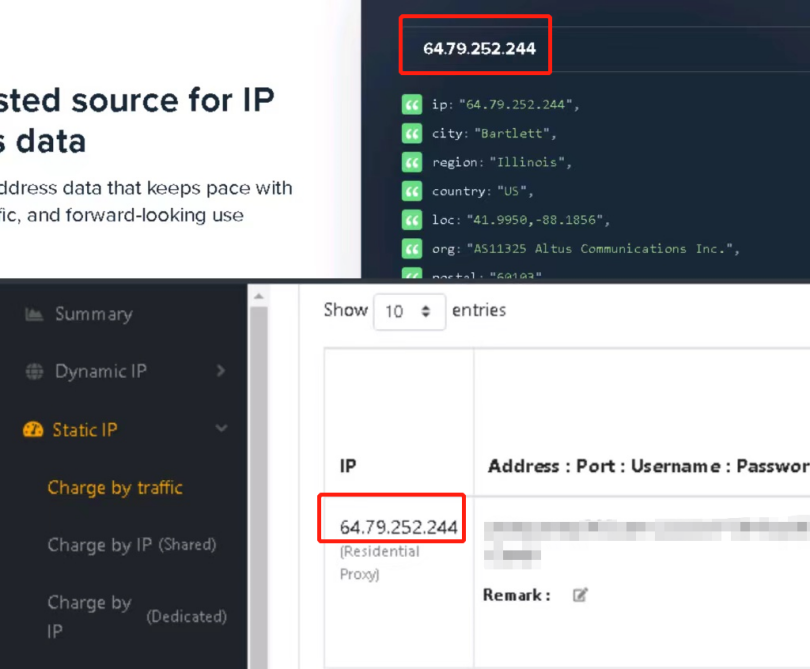
5. To confirm the proxy is set up successfully, enter "ipinfo.io" in a web browser. If the IP address on the page matches the proxy IP you set, the proxy configuration is successful.