候鸟浏览器
Legacy guide: screenshots and helper-tool steps may differ from the current product.
This is an English translation of a legacy guide. For the original wording, read the Chinese original.
To set up a Proxy302 proxy in 候鸟浏览器, you need to use it after enabling scientific internet access (currently only SOCKS5 proxies for Proxy302 can be configured). If you do not have scientific internet access, please refer to the Connection Tutorial for Non-Overseas Environments; if you have already enabled scientific internet access, please refer directly to the Connection Tutorial for Overseas Environments.
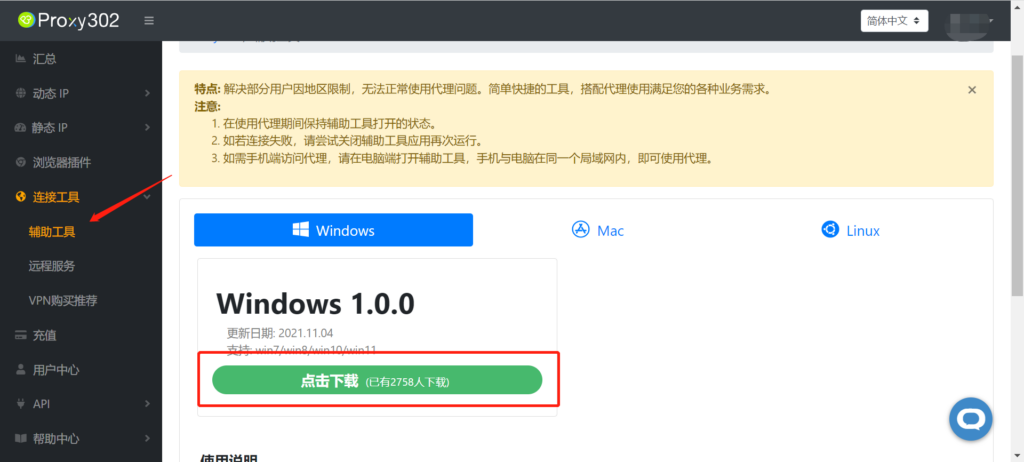
Connection Tutorial for Non-Overseas Environments1. Log in to Proxy302, find [Auxiliary Tools], and download it.
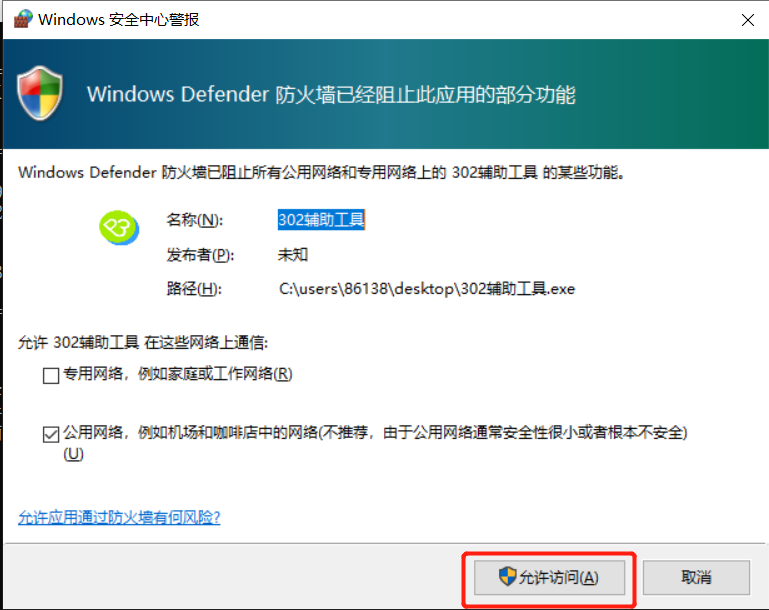
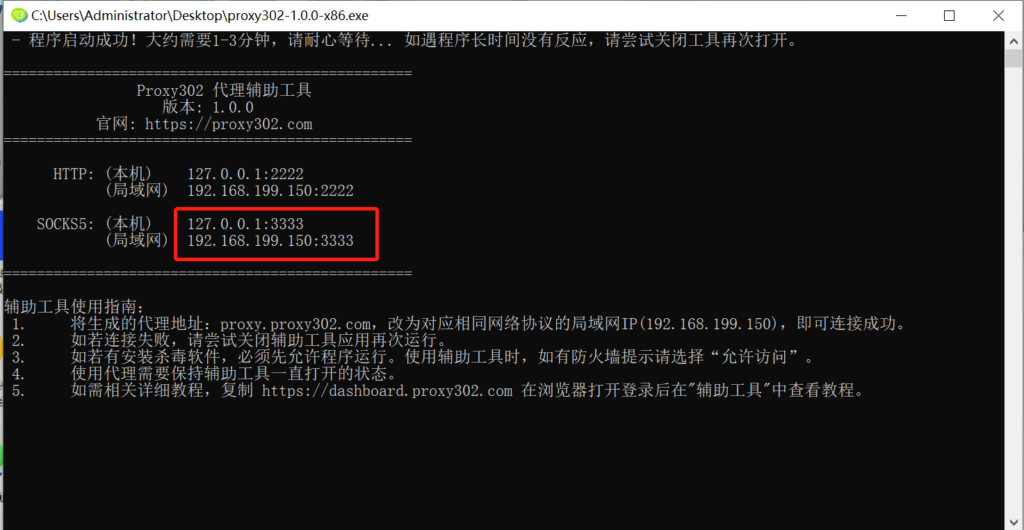
2. Open the auxiliary tool (if there is a firewall, please allow access).
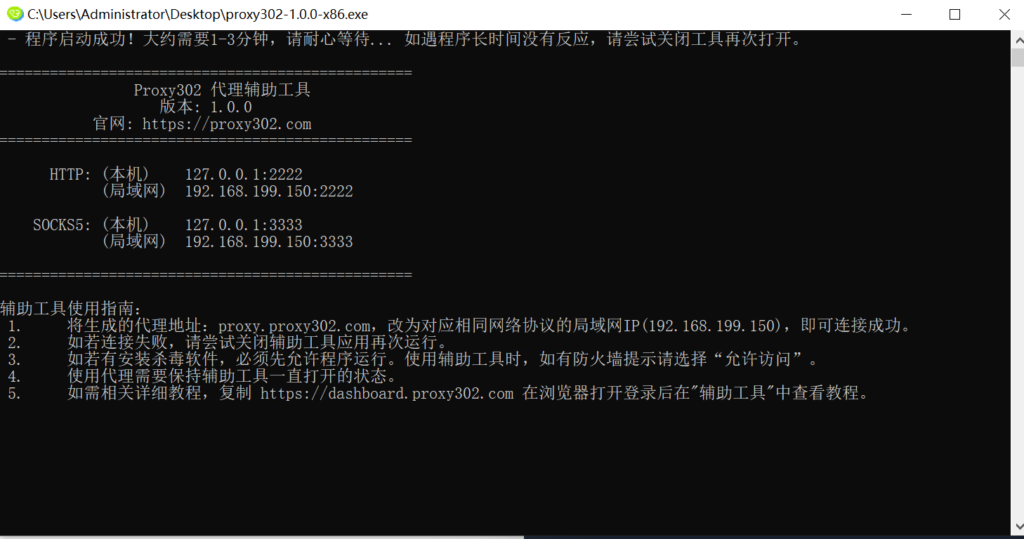
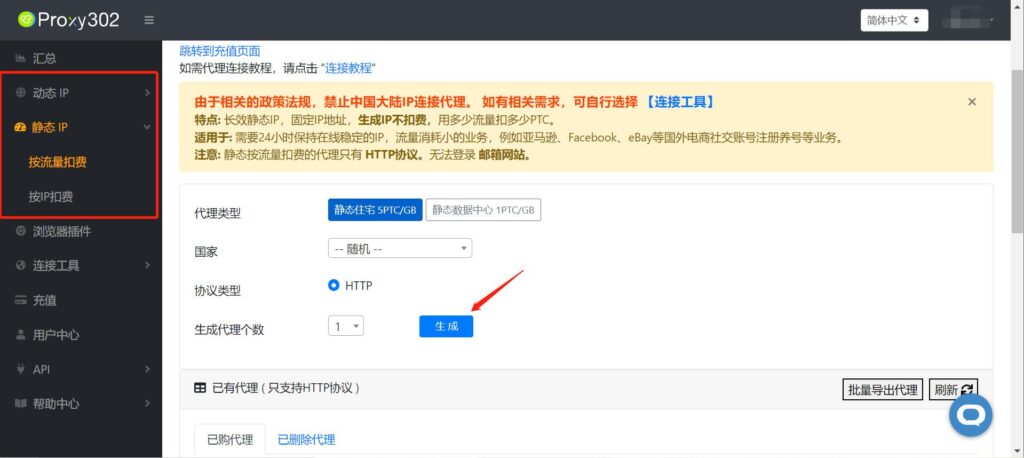
3. Open Proxy302 to generate a proxy.
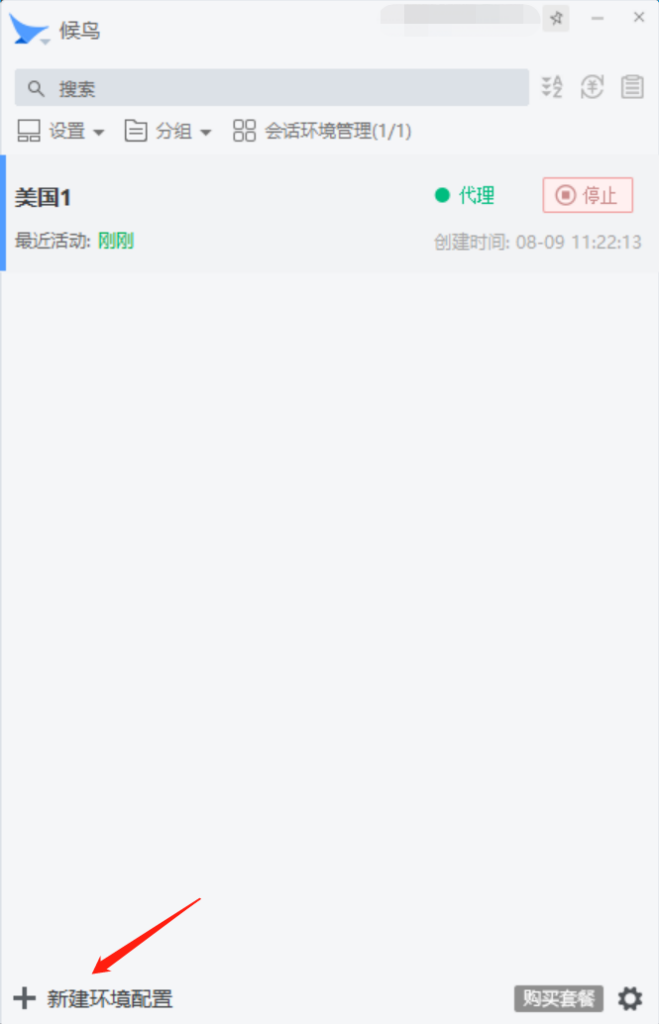
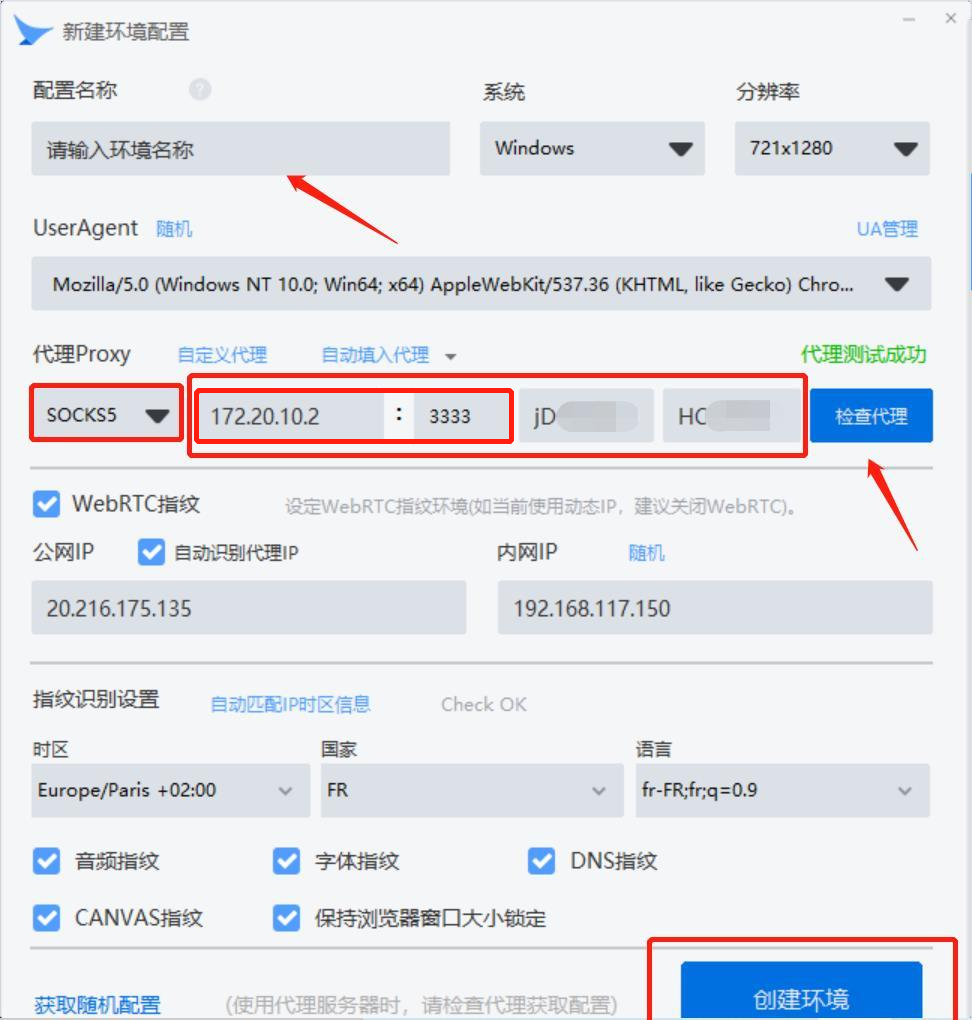
4. Open 候鸟浏览器 and click to create a new environment configuration.
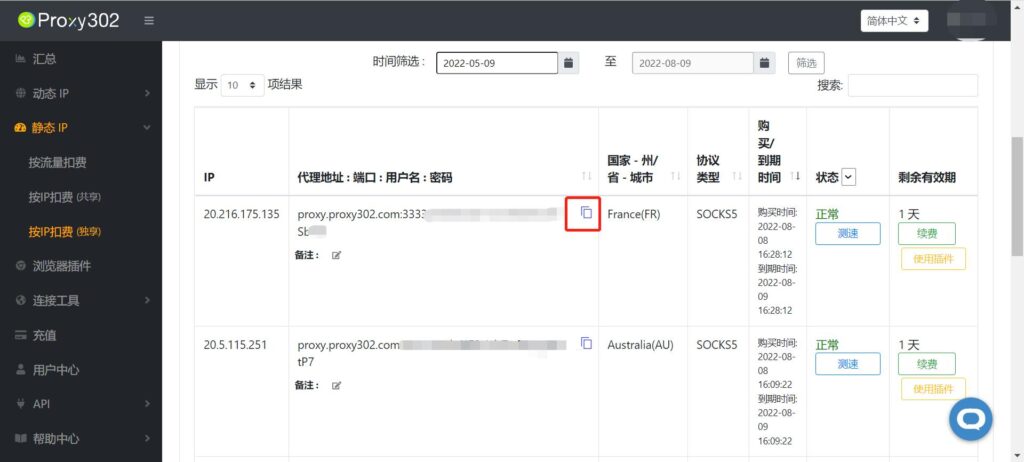
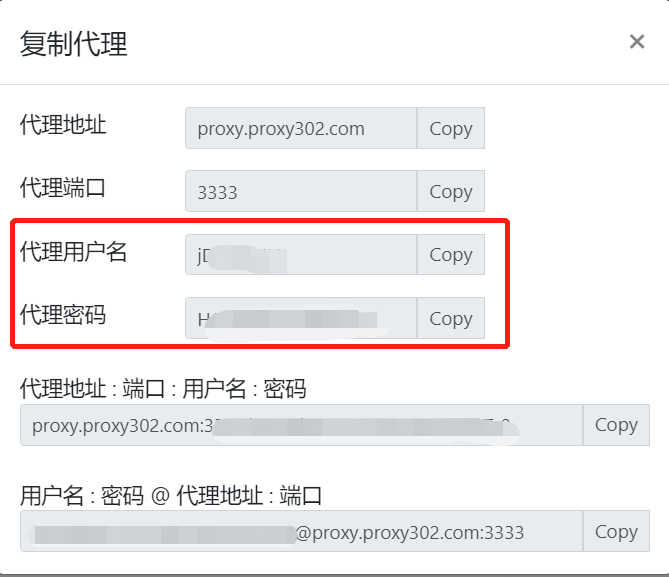
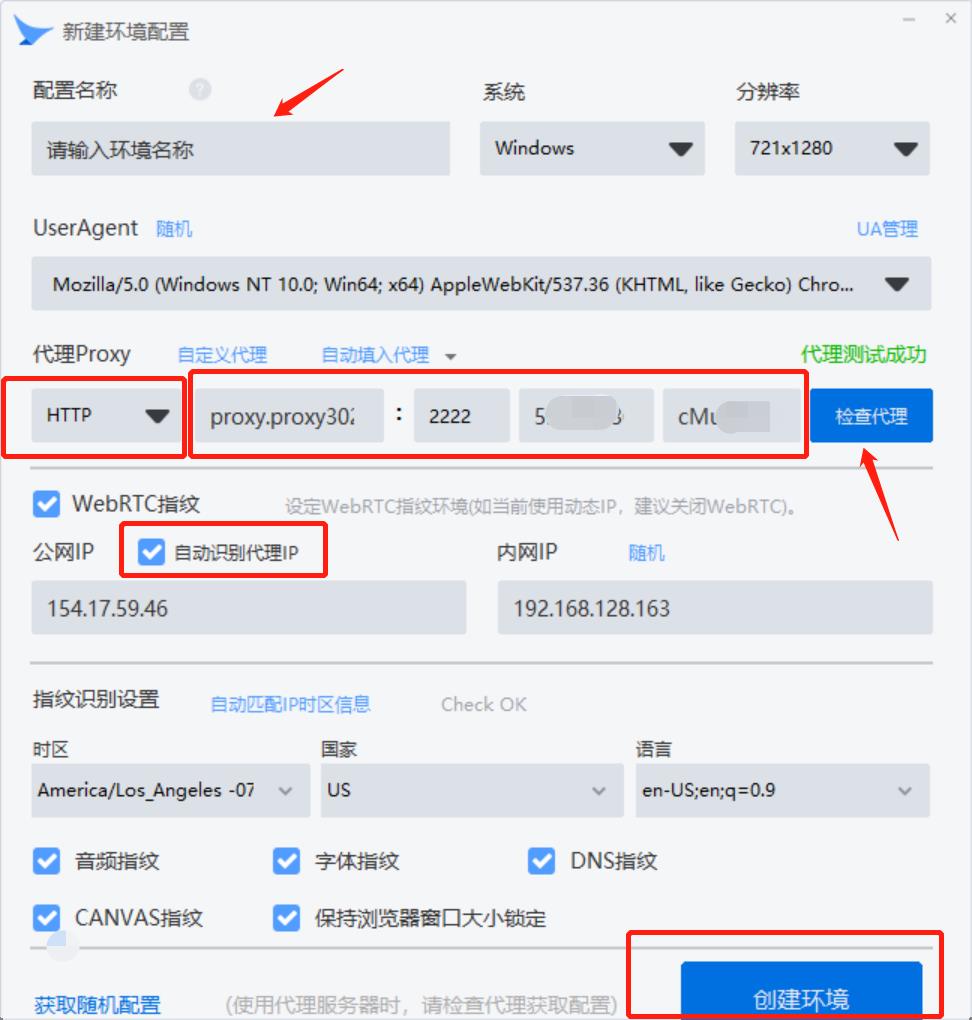
5. Return to Proxy302 to copy the generated proxy information, enter the generated proxy information, you can add any notes for the configuration name, and click to create the environment (Note: You need to change the address here to the address of the auxiliary tool; either local or LAN is acceptable).
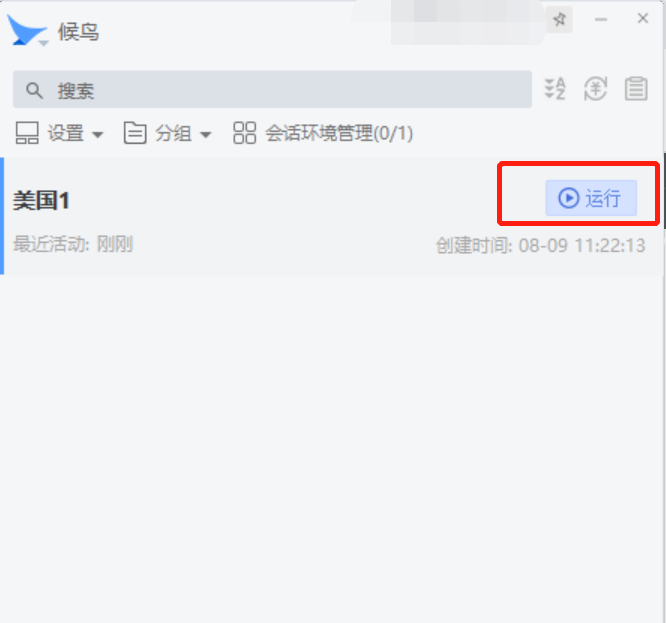
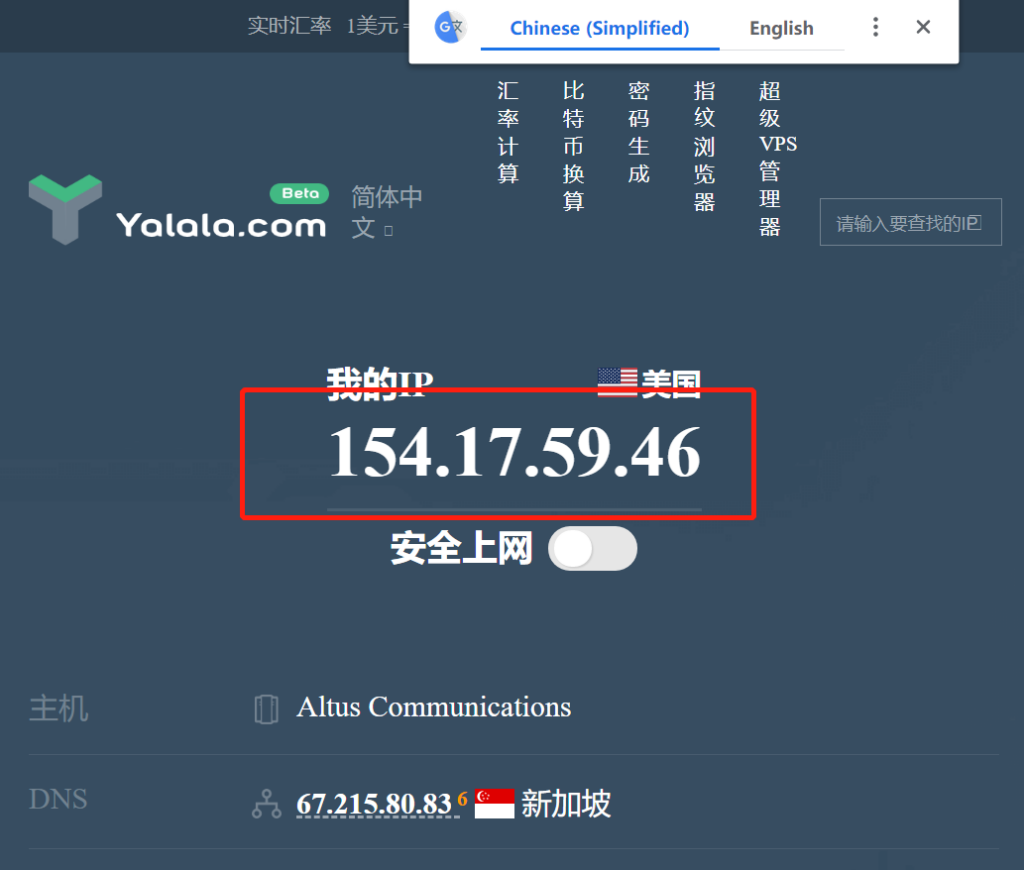
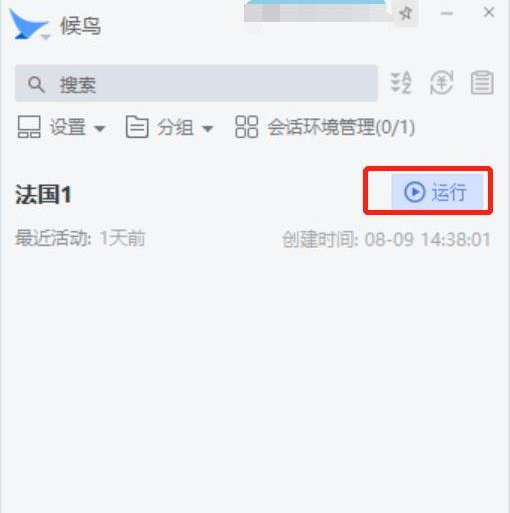
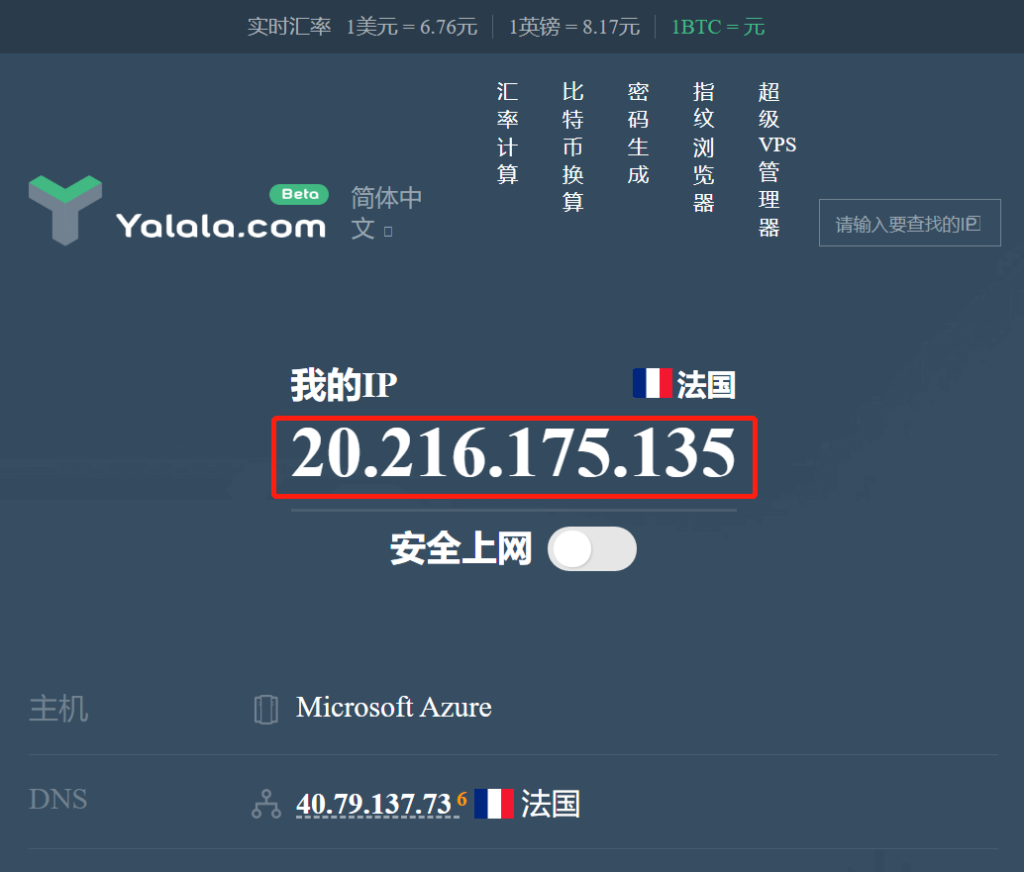
6. Select the created proxy and click Run. If it runs successfully, the IP address will pop up. If it is the same as the one set, it means the proxy is set successfully.
Connection Tutorial for Overseas Environments
1. Open Proxy302 to generate a proxy.
2. Open 候鸟浏览器 and click to create a new environment configuration.
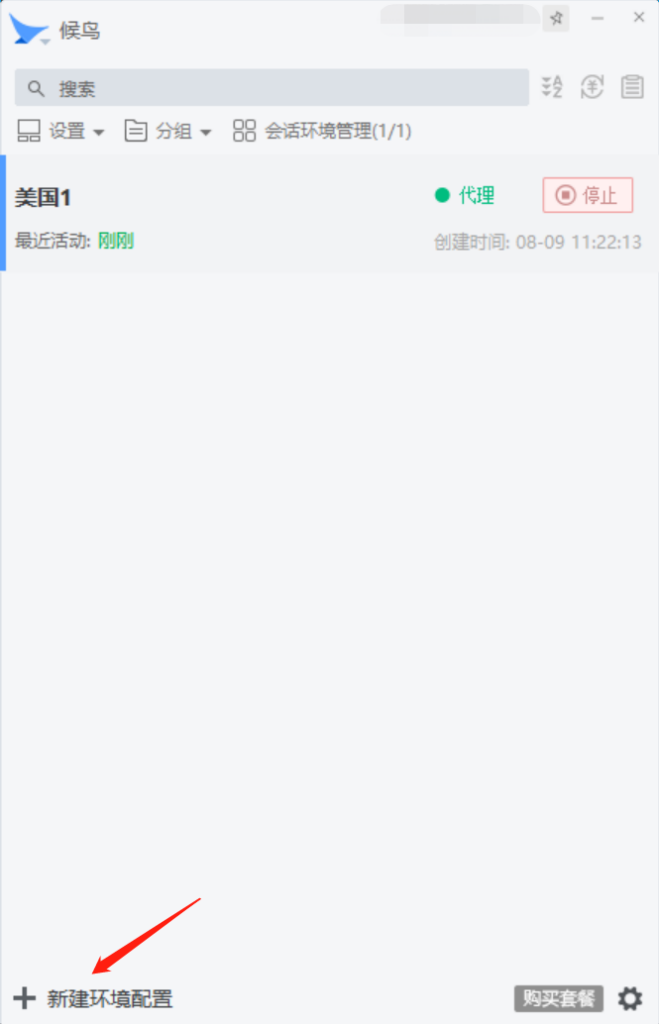
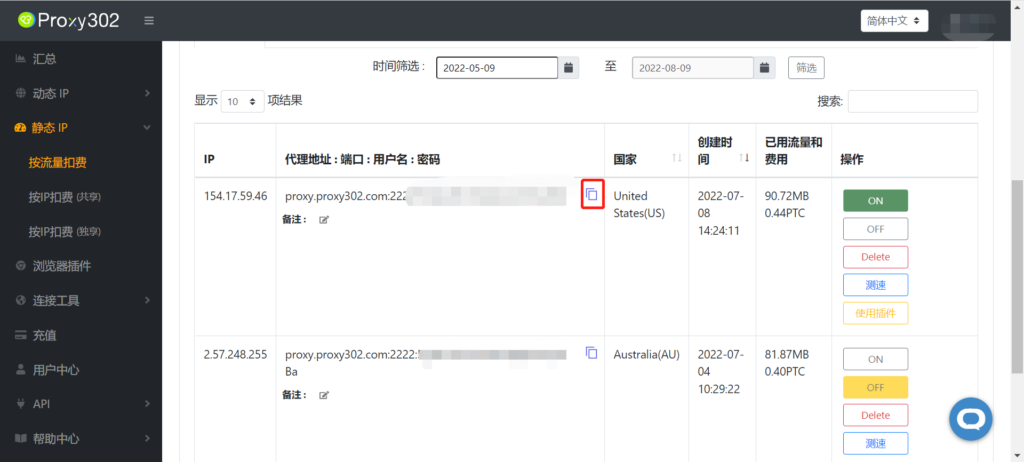
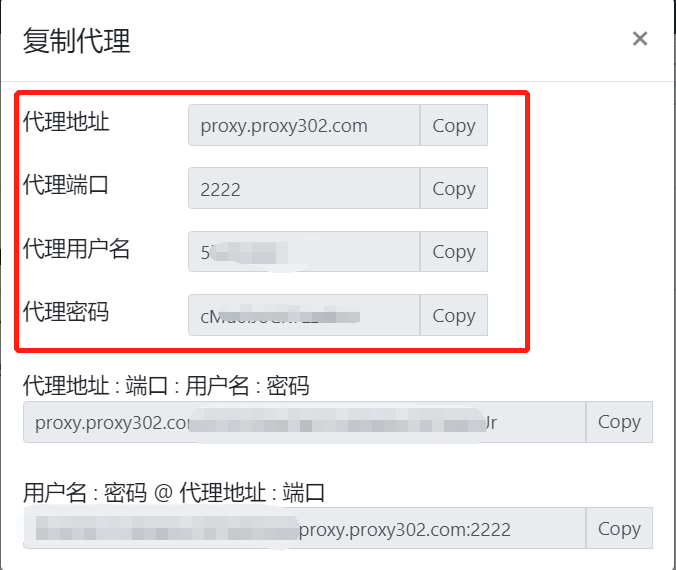
3. Return to Proxy302 to copy the generated proxy information, enter the generated proxy information, you can add any notes for the configuration name, and click to create the environment.
4. Select the created proxy and click Run. If it runs successfully, the IP address will pop up. If it is the same as the one set, it means the proxy is set successfully.